Why Chat Beats Forms
Traditional CRMs force you through UI workflows: click fields, fill forms, navigate tabs. It's slow. OSTRATA inverts this. You define your data structure once, then interact entirely through natural language in the Operations chat interface.
Claude executes your intent via tool calls. You don't touch a form again.
What You Can Do in Operations Chat
Create Records
Tell Claude what you need:
"Add a new contact: Sarah Chen, VP of Sales at TechCorp, sarah@techcorp.io"
"Create a deal: $50k contract with Acme, close by end of Q2"
"Log a task: Follow up with Salesforce team Tuesday"
Claude parses intent, maps fields, and writes the record.
Search and Filter
Query your CRM as you would a person:
"Show me all deals over $100k that are still open"
"Find contacts from San Francisco added this month"
"What's the status of the AWS proposal?"
Claude translates natural language to structured queries against your schema.
Update and Link Records
Modify data without leaving chat:
"Move the Slack deal to Negotiation"
"Link this contact to the Q3 partnerships pipeline"
"Update the close date to next Friday"
Work with Custom Objects
You define the schema in Setup—Contacts, Deals, Projects, Leads, whatever fits your business. Claude works with all of it. No special training needed.
Claude MCP: Direct Integration with Your Schema
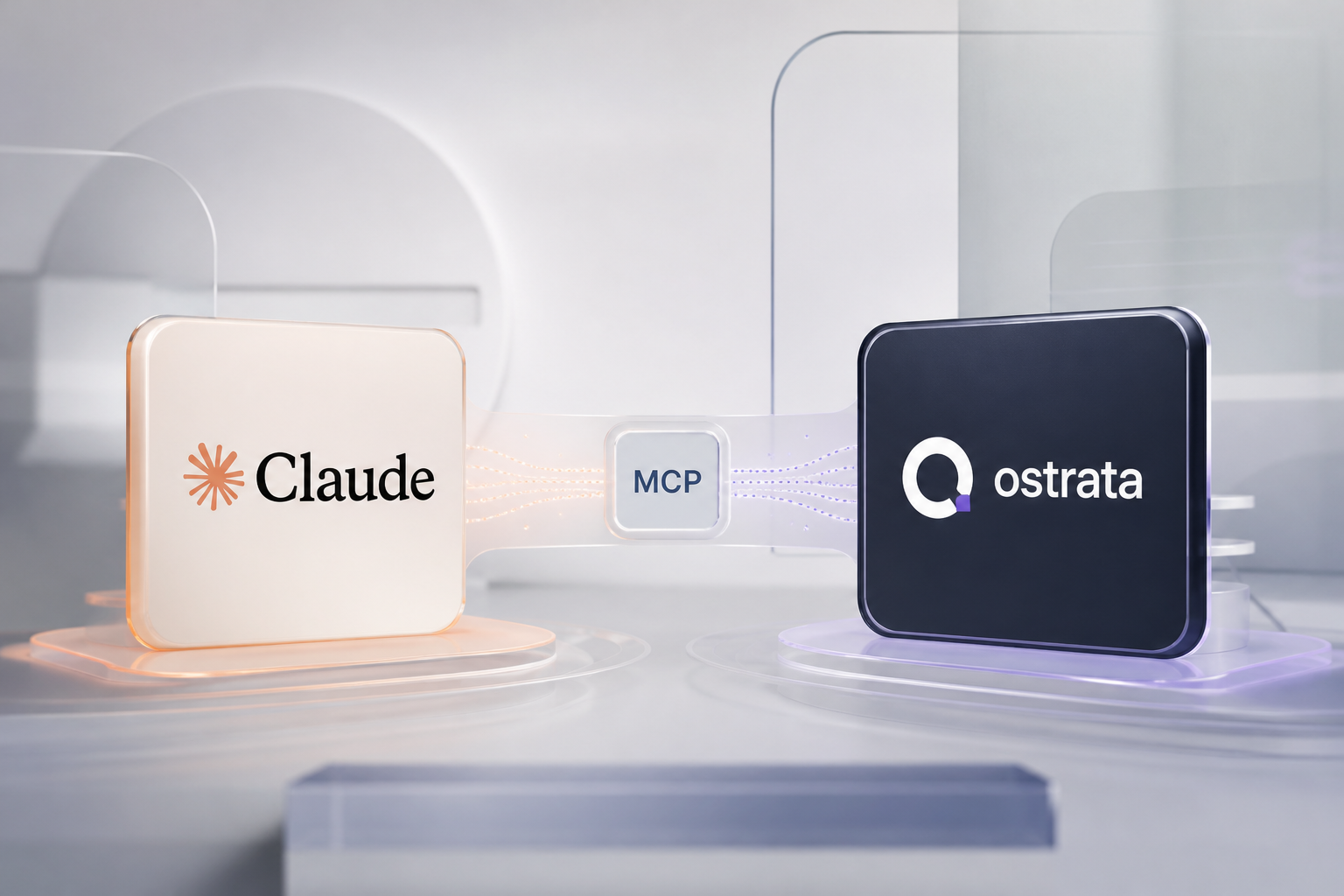
OSTRATA uses Claude's Model Context Protocol to connect Claude directly to your CRM. This means Claude doesn't just interpret your requests—it operates on your live data through verified tool calls.
How it works:
Claude reads your object definitions and field schema from Setup
When you ask a question or request an action, Claude calls the appropriate tools
Each tool respects your row-level security and permissions
Results flow back into chat instantly
You're not asking Claude about your CRM. You're asking Claude to manage your CRM. The connection is native and real-time.
Live Views: AI-Generated Dashboards and Tables
Beyond chat, OSTRATA generates live tables, kanban boards, and dashboards on demand. Ask Claude to show you:
Pipeline breakdown by stage
Open tasks sorted by date
Revenue forecast by quarter
Custom summaries of any object type
These render in Live Views as interactive displays that stay fresh as data changes. No manual dashboard building. Claude generates exactly what you ask for.
Multi-Tenant Isolation
Each workspace has RLS (row-level security) isolation. Team members see only what they own or what's shared. Claude respects permission boundaries—it won't expose data outside your scope.
Integrations That Feed Your CRM
OSTRATA connects where your work happens:
Google Workspace
Google Drive: Attach files to records, link folders to deals or projects
Google Calendar: Sync meetings; Claude can log them as tasks or activities
Gmail: Link emails to contacts and deals; create records from messages
Telegram
Receive notifications in a workspace bot
Link team members; ask Claude to push updates to chat
REST API
Build custom integrations with scoped API keys
Query and write data programmatically
No vendor lock-in; your schema is yours
How Setup Powers Operations
Before you chat, you configure once in Setup:
Define objects: What entities matter? (Contacts, Deals, Clients, Projects)
Add fields: Name, email, revenue, stage—whatever you need
Set permissions: Who can view, edit, and delete each object type
Connect integrations: Link Google, Telegram, or REST endpoints
Generate API keys: Scope access for third-party tools
Once set, Claude knows your schema and respects all rules. Chat becomes your execution layer.
Personal Connect: Your Tools, Your Way
Personal connect settings let you add:
Calendar preferences
Gmail threading rules
Telegram member linking
Claude learns your preferences and surfaces information relevant to you—without cluttering your team's data.
The Result
You get a CRM that works like an assistant, not an application. No training videos. No admin overhead. No forms.
Define your schema. Chat with Claude. OSTRATA does the rest.
Start with OSTRATA and experience what headless CRM actually means.